Royale Fortress Login Guide: Accessing Your Account on Mobile and Desktop
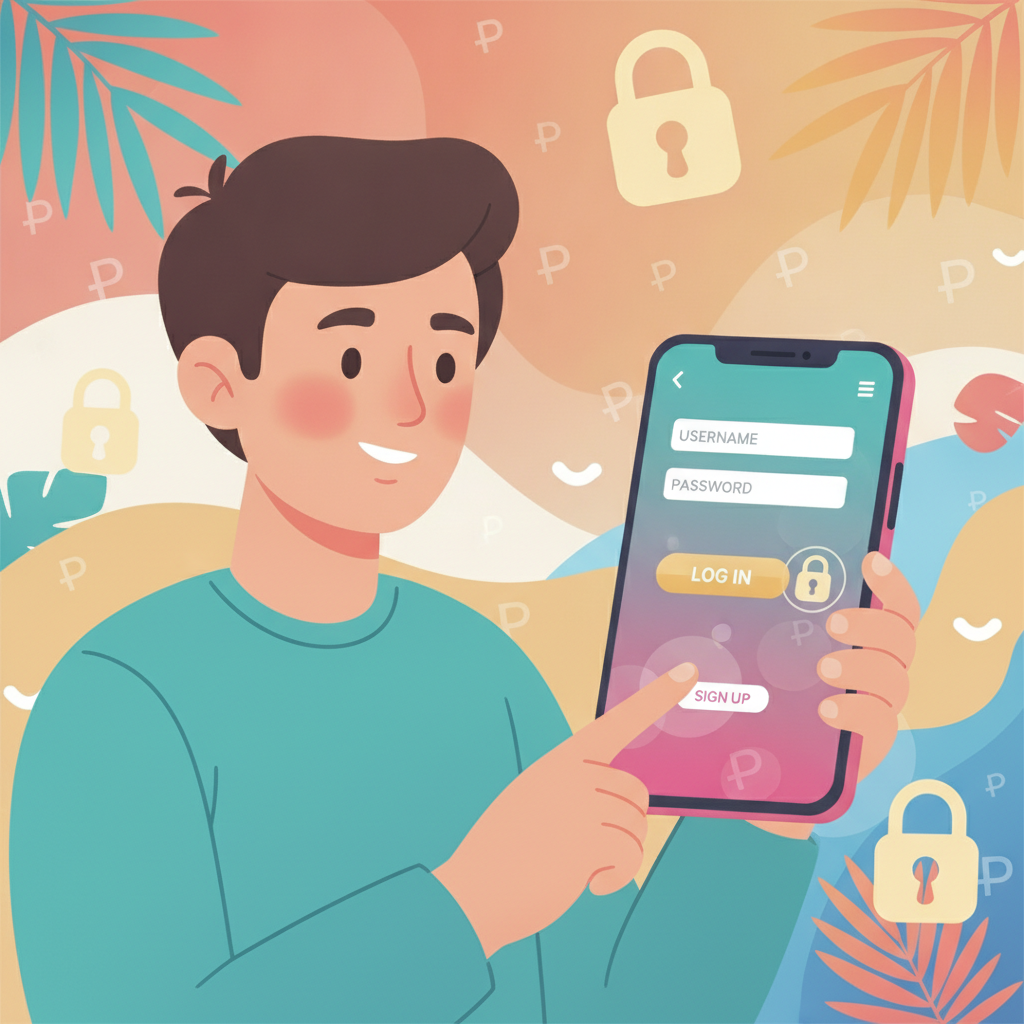
Where to Find the Royale Fortress Login Page
Once you have a Royale Fortress account, accessing your account is straightforward whether you're on a smartphone or desktop computer.
On mobile browser:
Open your preferred browser—Chrome, Safari, or Firefox—and type the Royale Fortress website URL into the address bar. The login button appears in the top-right corner of the homepage. It's usually labeled "Login" or "Sign In" in a contrasting color, making it easy to spot even on a small screen.
Most Filipino players access Royale Fortress through mobile browsers on Android phones. The site is built mobile-first, so the login button stays visible without scrolling on most devices.
On desktop:
Visit the Royale Fortress homepage in any browser. The login link sits in the same top-right position, consistent with the mobile layout. Desktop users can also bookmark the login page directly after their first visit to save a step.
Direct login page:
Some players bookmark the login URL to skip the homepage entirely. If you've saved the direct link, you'll land on a page with just the username and password fields and the login button.
If you're a first-time visitor who hasn't registered yet, you'll need to complete the Royale Fortress register process before you can log in. The registration button typically sits next to the login button.
Entering Your Username and Password Correctly
Login errors are common, but most stem from simple typing mistakes. Here's how to avoid them and get into your account on the first try.
Username field:
Enter the exact username you chose during registration. Royale Fortress usernames are case-sensitive on some systems, so "JuanCruz" and "juancruz" may be treated as different accounts. If you're unsure, check the welcome email sent after you registered—it often includes your username.
Do not enter your email address in the username field unless you specifically registered using your email as your username. Some players confuse the two.
Password field:
Type your password carefully. Because the characters appear as dots or asterisks for security, it's easy to mistype without noticing. If you're on mobile, tap the eye icon (if available) to briefly reveal your password and confirm it's correct.
Passwords are almost always case-sensitive. A password like "Manila2024!" is different from "manila2024!" or "MANILA2024!".
Common mistakes:
- Extra spaces before or after your username or password
- Autocorrect changing part of your password on mobile
- Caps Lock turned on
- Using a password manager that filled in credentials for a different site
If login fails, double-check both fields. Most systems will tell you "incorrect username or password" without specifying which one is wrong, as a security measure.
Two-factor authentication (if enabled):
Some accounts require a one-time PIN sent to your registered mobile number or email. If you see a field asking for a code after entering your password, check your phone for an SMS or your email inbox. Enter the code within the time limit—usually five to ten minutes—then complete the login.
What to Do If You Forget Your Login Details
Forgetting your username or password is frustrating, but Royale Fortress provides recovery options.
Forgot password:
On the login page, look for a "Forgot Password?" or "Reset Password" link, usually positioned below the password field. Tap or click it.
You'll be asked to enter your registered email address or mobile number. Royale Fortress will send a password-reset link to that email, or a one-time code via SMS if you registered with a Philippine mobile number.
Email reset:
Open the email from Royale Fortress. It should arrive within a few minutes, though some players need to check their spam or promotions folder. Click the reset link. You'll be taken to a page where you can create a new password. Choose something secure but memorable, then confirm it.
The reset link typically expires after a set period—often 30 minutes to an hour—so complete the process as soon as you receive the email.
SMS reset:
If you receive a code via text message, return to the Royale Fortress site and enter the code in the recovery form. You'll then be prompted to set a new password.
Forgot username:
Username recovery is less common but still supported. Look for a "Forgot Username?" option on the login page, or contact Royale Fortress customer support through live chat or email. You'll need to provide your registered email address or phone number, and possibly answer a security question or verify your identity with personal details you provided during registration.
Account locked:
After several failed login attempts—usually three to five—Royale Fortress may temporarily lock your account to prevent unauthorized access. You'll see a message explaining the lockout. Wait 15 to 30 minutes, then try again. If the lockout persists, contact customer support for help.
Can't access your registered email or phone number:
If you no longer have access to the email or mobile number you used to sign up, contact Royale Fortress support as soon as possible. Be ready to verify your identity with your full name, date of birth, and possibly a photo of your government-issued ID. This process can take longer, so keeping your contact details up to date is important.
Security Tips for Protecting Your Account
Your Royale Fortress account holds your deposit balance and personal information. Keeping it secure should be a priority.
Use a strong, unique password:
Avoid simple passwords like "123456" or "password." A strong password combines uppercase and lowercase letters, numbers, and symbols—for example, "M@nila$lot78!". Don't reuse a password you've used on other sites. If one site is compromised, attackers may try that password on casino accounts.
Never share your login details:
Royale Fortress will never ask you for your password via email, SMS, or chat. If someone claiming to be support requests your password, it's a scam. Legitimate staff can assist you without needing your credentials.
Don't let friends or family log in with your account, even if you trust them. Responsible gambling policies and account-verification rules require that only the registered account holder places bets.
Log out after each session:
Especially on shared devices or public Wi-Fi, always log out when you're done. Don't just close the browser tab. Use the "Log Out" button in your account menu to end the session properly.
Enable two-factor authentication if available:
If Royale Fortress offers optional two-factor authentication (2FA), turn it on. This adds a second layer of security: even if someone guesses your password, they won't be able to log in without the code sent to your phone.
Beware of phishing sites:
Scammers create fake login pages that look like Royale Fortress to steal usernames and passwords. Always double-check the website URL before entering your details. Bookmark the official site to avoid mistyped addresses.
Keep your device secure:
Use a screen lock (PIN, fingerprint, or face unlock) on your phone. Install updates for your operating system and browser to patch security vulnerabilities. Avoid downloading casino apps from unofficial sources—stick to the official Royale Fortress site or verified app stores.
Monitor your account activity:
Regularly check your transaction history and betting records. If you notice logins or bets you didn't make, change your password immediately and contact support.
Use secure internet connections:
Avoid logging in over public Wi-Fi networks at coffee shops or malls unless you use a VPN. Public networks can be easier for attackers to intercept.
Troubleshooting Common Login Issues
Even with careful entry, you may encounter problems. Here are quick fixes for the most frequent issues Filipino players face.
Page won't load:
Check your internet connection. Try switching from mobile data to Wi-Fi, or vice versa. Clear your browser cache and cookies, then reload the page. If the site is down for maintenance, wait a few minutes and try again.
Login button doesn't respond:
Disable browser extensions or ad blockers temporarily—they sometimes interfere with site functions. Try a different browser to see if the issue persists.
"Session expired" message:
You were logged in but inactive for too long. Royale Fortress automatically logs you out for security after a period of inactivity, typically 15 to 30 minutes. Simply log in again.
Account verification required:
After your first login, or after a large deposit, Royale Fortress may ask you to verify your identity by uploading a photo of your government-issued ID and a selfie. This is a standard security and compliance step. Follow the on-screen instructions; your account will remain restricted until verification is complete.
21+ Only and Play Responsibly
Royale Fortress is for players aged 21 and over only. Online gambling is intended as entertainment, not a way to make money. Never bet more than you can afford to lose.
If you feel your gambling is becoming a problem, use the account controls Royale Fortress provides—such as deposit limits, time-outs, or self-exclusion—or seek help from a responsible-gambling organization. Play responsibly and know your limits.
About this guide:
This article is published by an independent guide site. Royale Fortress is a third-party online casino and sportsbook. We do not guarantee winnings, promise risk-free play, or claim any specific licensing details. Always gamble responsibly.